Civitas Scheduling Guide
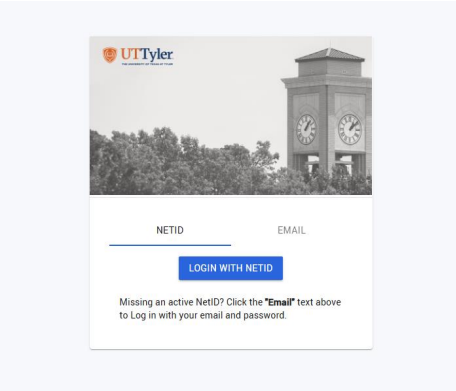
Step 1: Go to https://uttyler.inspire.civitaslearning.com/login
Step 2: Login with NET ID:
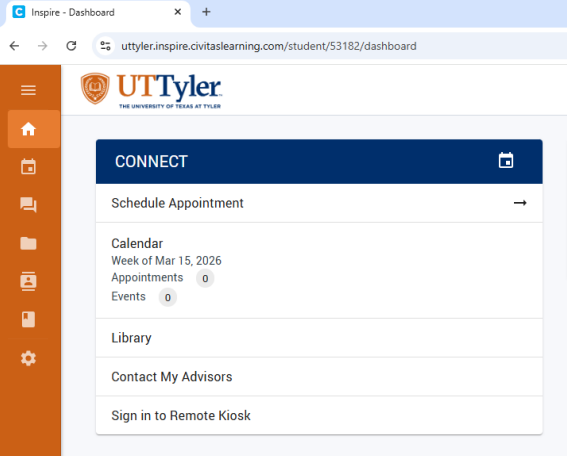
Step 3: Under CONNECT, click Schedule Appointment:
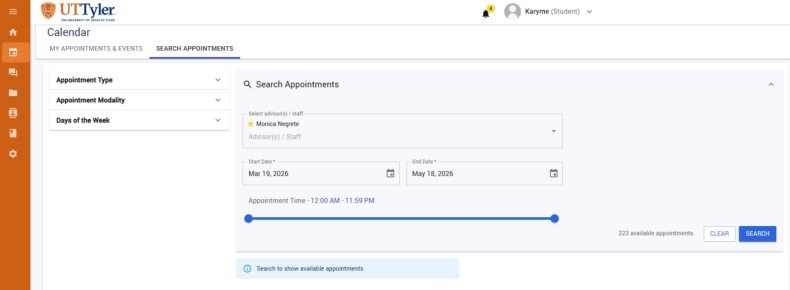
Step 4: Select Advisor. Adjust appointment date/time preferences, and search.
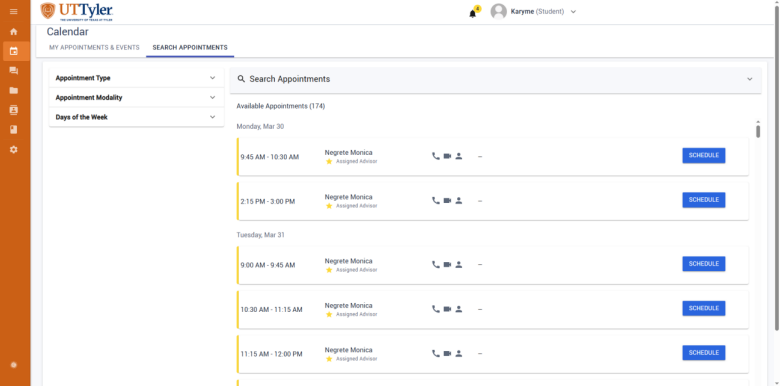
Step 5: Schedule a preferred time.
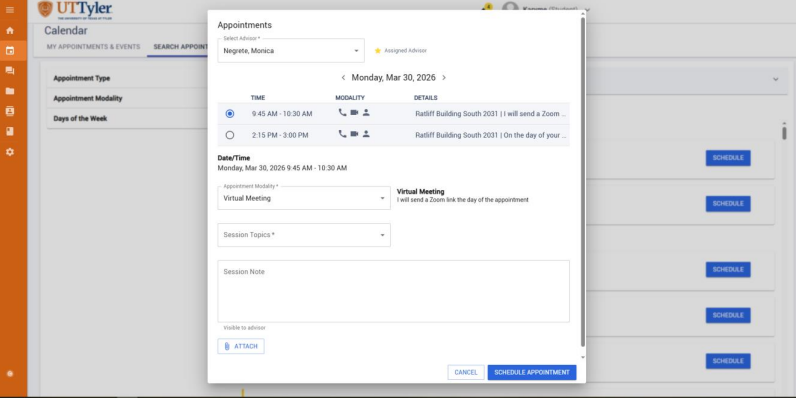
Step 6: Select preferred Appointment Modality, Session Topics, and add Session Note (if applicable).
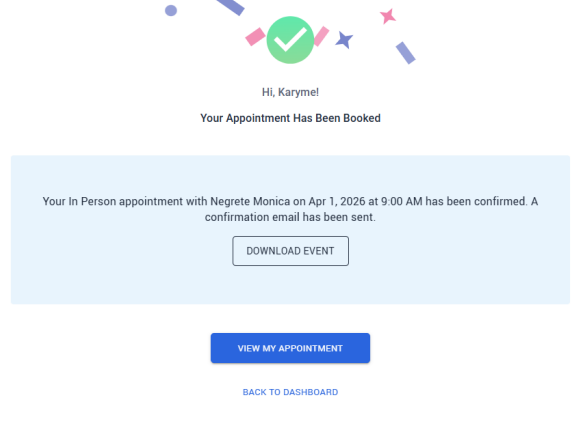
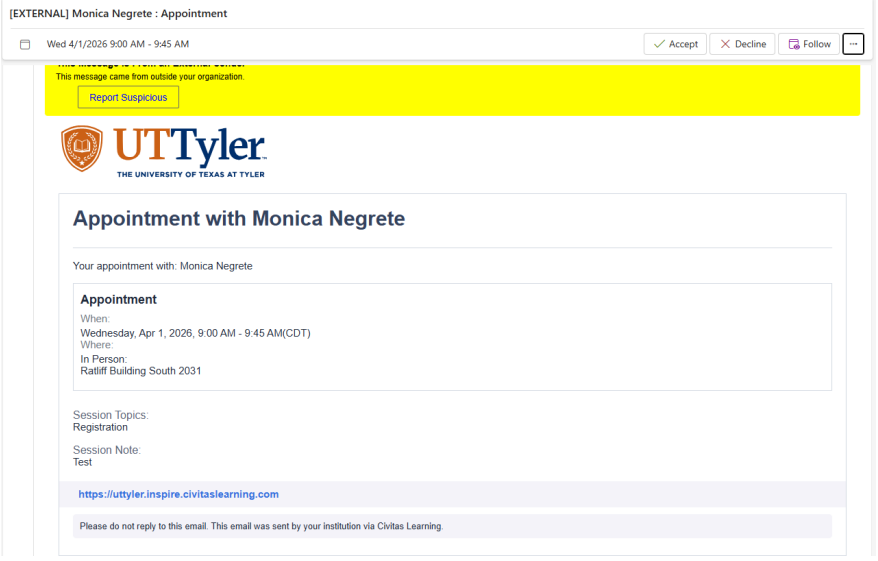
Step 7: See confirmed booking message. Confirmed appointments should also send an automated email to students’ patriot accounts.